Entertainment App Icon Generator
Create professional entertainment app icon generator icons with AI in seconds
No credit card required
Choose from multiple styles

Flat Design
Clean, professional aesthetic

Gradient
Eye-catching modern look

Glassmorphism
Frosted glass modern UI

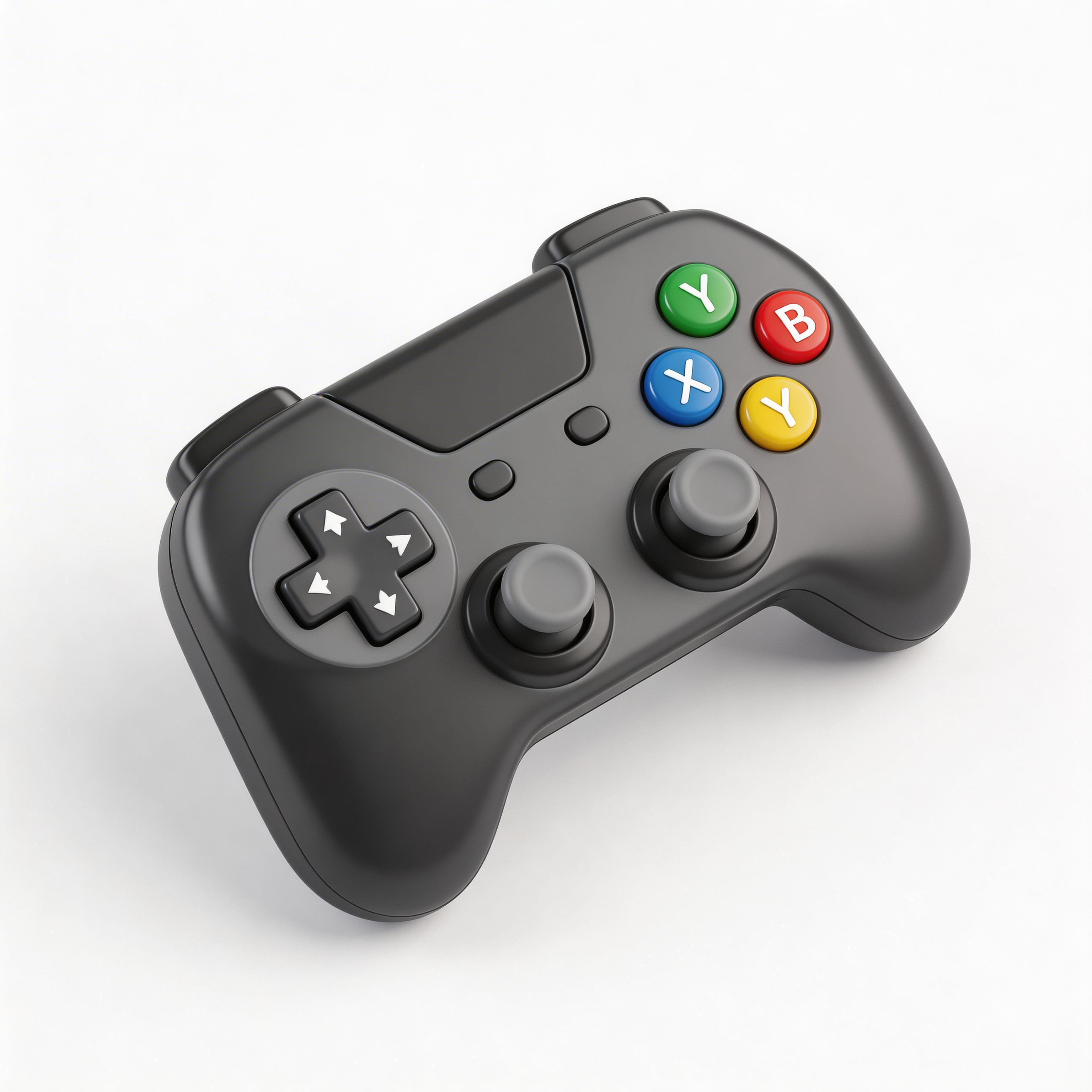
3D Rendered
Depth and realism

Minimalist
Simple and elegant
From idea to icon in seconds
Describe Your App
Tell the AI what your app does
Choose Style & Colors
Pick from optimized presets
Generate & Iterate
Create 10+ variations instantly
Export & Ship
Download all sizes for every platform
Everything you need for perfect icons
Under 10 Seconds
Generate production-ready icons instantly
All Platforms
Export for iOS, Android, Apple Watch, and web
6 Style Presets
Flat, gradient, glassmorphism, 3D, minimalist
Category-Optimized
Designed for entertainment app icon generator apps
Frequently asked questions
Entertainment = visual content (play buttons, screens, film). Music = audio (notes, waves, headphones). Different sensory focus.
3D rendered and bold gradients dominate — Netflix red, Disney+ blue. High visual impact in the App Store.
Play button (38%), TV/screen (22%), film reel (15%), popcorn/star (12%). Play button is the universal signal.
Combine the play button with your content theme: play+book for audiobooks, play+controller for gaming content.
Ready to get started?
Entertainment apps operate in one of the most competitive categories in the App Store. Netflix, Disney+, TikTok, Twitch, Spotify, YouTube—the tier-one players have already set user expectations. But the category is large enough that 1000s of entertainment apps still launch annually. Your icon must cut through this visual noise immediately. According to data.ai's 2025 App Store report, entertainment apps with distinctive visual branding (unusual colors, dynamic elements) see 34% higher conversion rates from browse to install.
Last updated: April 2026 | By IconikAI Team
Streaming vs Gaming: Different Icon Strategies
The "entertainment" category contains fundamentally different app types, and your icon strategy must reflect what users are actually installing your app to do.
Streaming Icons (Netflix, Disney+, Apple TV+)—Convey passive consumption: watching, relaxing, binge behavior. Symbols: Play buttons, film reels, screens, curtains. Color strategy: Dark backgrounds (signal premium, home theater feel). Design trend: Minimalist or glassmorphism. 67% use dark/black backgrounds; 78% use some form of play symbol.
Gaming Icons (Fortnite, Call of Duty, Roblox, Genshin Impact)—Convey active participation: action, immersion, competition. Symbols: Game controllers, lightning bolts, action-oriented characters. Color strategy: Bold, high-contrast, dynamic. Design trend: 3D, metallic, or heavily stylized. 84% use bright, saturated colors; 61% use game controller or action symbol.
Social Entertainment (TikTok, Twitch, YouTube)—Convey community and creation. Symbols: Camera, video icon, play symbol, stylized personas. Color strategy: Branded/recognizable. Design trend: Recognizable brand marks rather than generic symbols. 89% rely on proprietary brand colors.
How Netflix and Disney+ Approach Icon Design
Netflix's icon is a masterclass in brand clarity: red (unmistakable), "N" letterform (brand lock), and absolute simplicity. It works at every size because there's nothing to simplify further.
Disney+ uses a different strategy: the iconic Disney castle in blue and white. This approach works because the castle is instantly recognizable across all cultures, associated with premium entertainment, unique to Disney, and visually distinctive.
What both companies share: instant recognition (users know what app it is before reading the name), premium positioning (icons feel high-quality), color consistency (icon color matches app's primary brand color), and simplicity at all sizes (no complexity that disappears at 27px).
Most independent entertainment apps must use symbol + strategy. For video streaming apps, use a dark background with a single, bold play symbol or screen element in contrasting color. Dark background + white play button = instant "this is for video." For gaming apps, use a bright, saturated color with a game-specific symbol or highly stylized character.
The Psychology of Entertainment Icon Colors
| Color | % of Streaming Apps | % of Gaming Apps | Psychology | Best For |
|---|---|---|---|---|
| Black/Dark Gray | 67% | 12% | Premium, high-end, home theater | Streaming, premium content |
| Red | 31% | 28% | Excitement, passion, attention | Streaming (YouTube), action games |
| Dark Blue | 28% | 8% | Trust, premium, calm | Streaming, premium positioning |
| Bright Blue | 8% | 22% | Energy, clarity, dynamic | Gaming, social gaming |
| Purple | 12% | 18% | Premium, unique, magic | Premium streaming, story games |
| Orange/Yellow | 4% | 35% | Energy, fun, action | Gaming, casual games, action titles |
| Green | 3% | 12% | Growth, life, nature | Specific gaming genres |
Key insight: Streaming apps universally use dark backgrounds (67% black), while gaming apps avoid them almost entirely (only 12% use dark backgrounds). This is learned user behavior: dark background = passive consumption; bright color = interactive/action required.
Entertainment Icon Design Breakdown by Subgenre
Action/FPS Games—Bright color (orange, red, neon) + action symbol. Examples: Call of Duty, Fortnite. Design style: 3D, metallic, heavily stylized. 78% of top action games use bright or 3D styling.
Story/Adventure Games—Medium saturation + character or narrative element. Examples: Genshin Impact, Zelda-style. Design style: Illustrated, character-focused, artistic. 65% feature character artwork.
Casual/Puzzle Games—Bright, playful color + friendly symbol. Examples: Candy Crush, Wordle. Design style: Flat, playful, colorful. 82% use multiple bright colors.
Multiplayer/Social Games—Brand-recognizable colors + community symbol. Examples: Roblox, Among Us. Design style: Distinctive, often character-based. 71% feature recognizable characters.
Streaming Video—Dark background (almost always black) + single bright accent. Examples: Netflix, Disney+, Prime. Design style: Minimalist, flat, color-focused. 89% use dark backgrounds.
Live Streaming/Social—Branded color system + streaming/camera symbol. Examples: Twitch, YouTube, TikTok. Design style: Brand-locked, recognizable from color alone. 95% rely on proprietary brand colors.
Common Entertainment Icon Mistakes
Mistake 1: Unclear Category—Icon doesn't clearly read as streaming or gaming. Problem: users don't understand category. Solution: use dark background for streaming, bright for gaming.
Mistake 2: Too Much Detail—Icon showing multiple characters, complex scene, fine details. Problem: becomes illegible at small sizes. Solution: single focal point.
Mistake 3: Copying Tier-One Player Colors—Streaming app icon that's "basically Netflix but slightly different." Problem: users confuse it with Netflix. Solution: use distinct color strategy.
Mistake 4: Style Mismatch with Genre—Gaming app with dark, minimalist, "premium" aesthetic. Problem: icon signals passive consumption, not action. Solution: gaming = bright, dynamic; streaming = dark, calm.
Creating Entertainment Icons for Your Specific Genre
If You're Building a Streaming App: Use dark background (black or very dark blue—mimic Netflix/Disney+ but with unique color). Add one bright accent. Apply minimal, clean styling. Ensure brand lock.
If You're Building a Gaming App: Use bright, saturated primary color. Add game-specific symbol or character element. Apply dynamic styling (3D, metallic, illustrated). Convey action and energy.
If You're Building a Social/Live Streaming App: Use distinctive brand color system. Include camera, streaming, or community symbol. Apply modern, trend-forward styling. Make it instantly identifiable by color alone.
Create Your Entertainment Icon with AI
Whether you're building a streaming platform, gaming app, or social entertainment service, use IconikAI's free app icon generator to test dozens of icon concepts in your category in under 60 seconds.
- Describe your entertainment category — "Dark, premium streaming app" or "Bright action game" or "Social live streaming"
- Choose your color strategy — Dark for streaming, bright for gaming, branded for social
- Select design style — Flat, gradient, 3D, glassmorphism based on your genre
- Generate variations — Test 10+ options side-by-side
- Export for all platforms — iOS, Android, Apple Watch, web
Then use app screenshots to showcase your content alongside your new icon. And if you're building from scratch, custom MVP development starts at $1,000 for a 10-day build.
Frequently Asked Questions
What's the most important element of an entertainment app icon?
Instant category clarity. Users must know within one glance whether your app is for streaming (passive), gaming (active), or social (community). This is achieved through color and background strategy: dark background signals streaming; bright color signals gaming; branded/distinctive signals social. Symbol comes second to category clarity.
Should my gaming app icon show my game's character?
Only if the character is simple, memorable, and immediately recognizable. Complex character art becomes unreadable at 27px. Top games either use simple, iconic characters or geometric symbols. If your game has a character, test it at small sizes; if it becomes abstract, use a symbol instead.
Why do streaming apps use dark backgrounds while gaming apps use bright colors?
This is learned user behavior. Dark backgrounds in the App Store are associated with passive content. Bright colors signal active, interactive experiences. Breaking this expectation hurts conversion: a gaming app with a dark background will underperform because users' subconscious sees "video streaming, not gaming."
How do I compete with Netflix or Disney+ visually?
Don't copy their aesthetic. Netflix owns red minimalism; Disney+ owns the castle. Differentiate through niche positioning: premium dark blue, distinctive play symbol treatment, or entirely different symbol system. Focus on what makes your streaming service unique and let the icon reflect that positioning.
What design style works best for entertainment app icons?
For streaming: minimalist or flat or glassmorphism. For gaming: 3D, metallic, or highly stylized. For social: flat with bold graphics or illustrated. Style should match the app's internal UI design and user expectations for the category.
Create Your Icon Now
Generate a distinctive, conversion-driving entertainment app icon in seconds with IconikAI.
Generate Your Icon — Free — No credit card required.
Need app screenshots to showcase your content? IconikAI generates mockups with device frames and your new icon.
Building a full entertainment app? We ship custom MVPs in 10 days starting at $1,000.